stop watching
the chart.
set the number. leave.
we'll tell you when.
Solana · X, Axiom, GMGN & Terminal · Free · No wallet · how to install

x. axiom. gmgn. terminal.
found it on X? set an alert there. already trading it? do it straight from the chart.
no copy-paste. no tab switching.
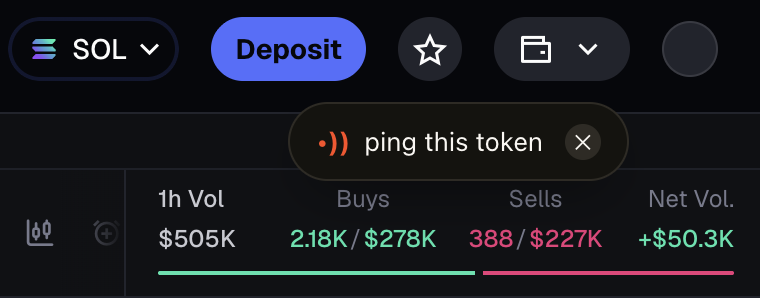
open any token page and notify is waiting in the corner.
drag it wherever you want. notify remembers where you left it.
dismiss it in one click. it'll be back when you open another token.
copy a contract address anywhere on the page and notify can pick that up too.
tell us when
you care.
no watchlists to keep checking. no charts sitting open.
set the condition and leave.
find a coin on X or your terminal.
choose the market cap or move you care about.
we'll notify you when it happens.
away from
the laptop?
connect telegram once. when your alert triggers, notify hits your phone too.
extension → connect telegram → start the bot
$84K → $168K
2X REACHED
five clicks.
no store.
- 01Unzip it
extract the extension ZIP.
- 02Open extensions
chrome://extensions · brave://extensions · arc://extensions
- 03Developer mode on
flip the toggle in the top right.
- 04Load unpacked
click it and select the extracted extension folder.
- 05You're in
open X or a supported terminal. find a token. hit NOTIFY ME.
don't trust.
verify.
installing an extension when you've got wallets in your browser isn't something to take lightly.
don't take our word for it. inspect the files yourself.
download the exact extension ZIP from this site.
DOWNLOAD FOR CHROME / BRAVE / ARC ↓upload the ZIP to ChatGPT and ask it to inspect the manifest, permissions, code and network requests.
Review this Chrome extension ZIP for security risks before I install it. Inspect the manifest, requested permissions, content scripts, JavaScript, external network requests, remote code loading, obfuscated code and any potential access to wallet-related data. Identify suspicious behaviour and explain the risks in plain English. Tell me what you could verify, what you couldn't verify and whether anything requires further investigation. Do not assume the extension is safe simply because no obvious malicious code was found.
read the findings first. if something looks off, don't install it — tell us what you found.
Message @justpingit_fun on X ↗the market can
watch itself.
set the number. leave.
we'll tell you when.